|
<< Click to Display Table of Contents >> SMS |
  
|
|
<< Click to Display Table of Contents >> SMS |
|
SMS messages can be sent to a list of recipients in a similar way to running a Mail Merge.
1.Choose an SMS message from the Quick Reports|SMS menu

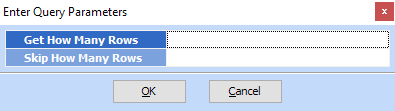
2.Confirm how many messages you want to send and how many clients you may want to skip; this will allow you to send the messages in batches if you wish
3.Preview the list of clients who will receive the messages
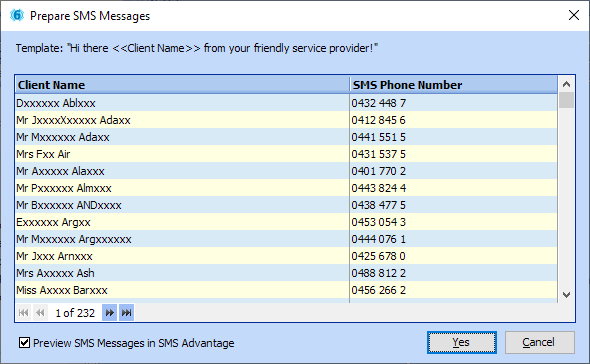
and click Yes to proceed to send the messages