|
<< Click to Display Table of Contents >> Follow-up |
  
|
|
<< Click to Display Table of Contents >> Follow-up |
|
The Follow-up function generates follow-up letters to clients who did not respond to the Survey mail-out. The program reads a list of Client ID numbers from a text sent from EARtrak and generates a query which is then used as the data source for mail-merging
The Toolbar:

•Process generates letters for each client in the list sent back from EARtrak
The Work Area:
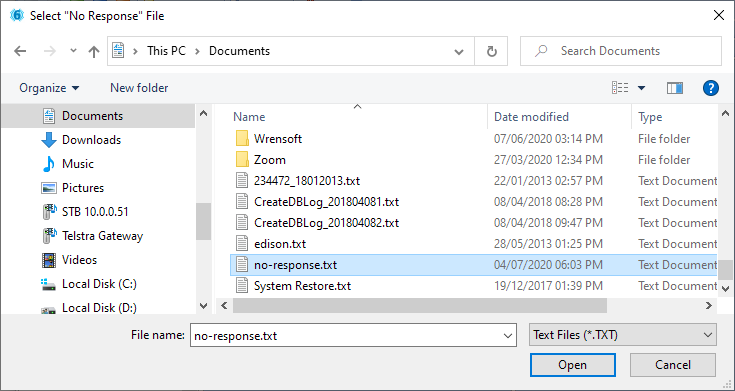
Before opening the window the user is prompted to select the No Response file from EARtrak. This file will have been sent as an e-mail attachment which should be detached and saved in an easy-to-find location such as My Documents. The file should be called no-response.txt.
•Once the file has been selected and the Open button clicked a list of names and addresses will be created. Click Process to generate the follow-up letters