|
<< Click to Display Table of Contents >> Calendar Views |
  
|
|
<< Click to Display Table of Contents >> Calendar Views |
|
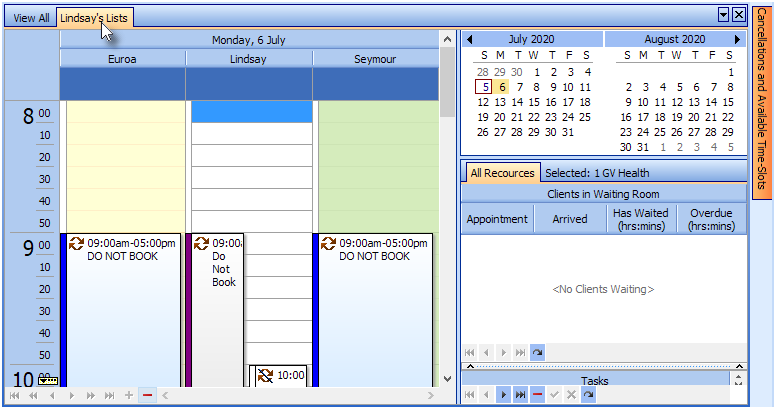
Calendar Views are collections of Calendar Resources which can be viewed together in the Calendar by clicking on the View tabs
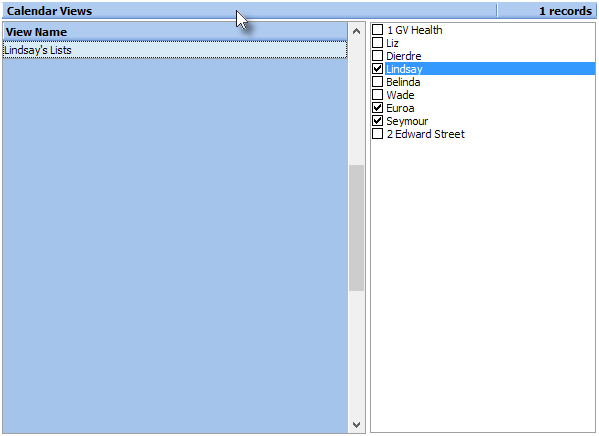
To create a view:
1.Click the Insert button or press the Insert key on the keyboard
2.Enter a View Name
3.Tick the resources you want to include in the view
4.Save your changes
Using the view created in the screen shot (above), there will be a new tab in the Calendar window: