|
<< Click to Display Table of Contents >> Special Days |
  
|
|
<< Click to Display Table of Contents >> Special Days |
|
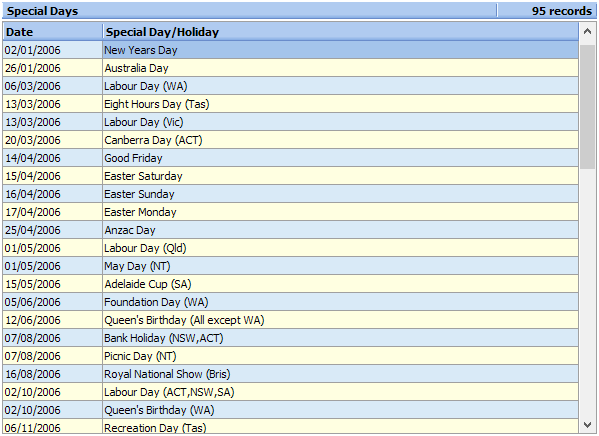
Special Days are used in the Calendar, usually to mark holidays but may also be used for birthdays, anniversaries, etc.
Special Days need to be updated annually and an update script is always available from the HearSoft web site
The Toolbar:

The Work Area:
Updating Special Days in the Calendar
HearSoft Pty Ltd usually publishes a public holiday script in a zip file on its Downloads page every 2 years
1.Download the zip file and extract the .sql script into the ..\HearSoft\HearAid\Reports\SQL folder on your server computer
2.Load and run the script in Database|Query
3.Select Lists|Speical Days in the Program Navigator
4.Set the Special Day Range Starts to the 1st of January of the year for the dates you are adding
5.Click the Update Calendar button